SuperKVM
Focus on USB KVM & IP KVM
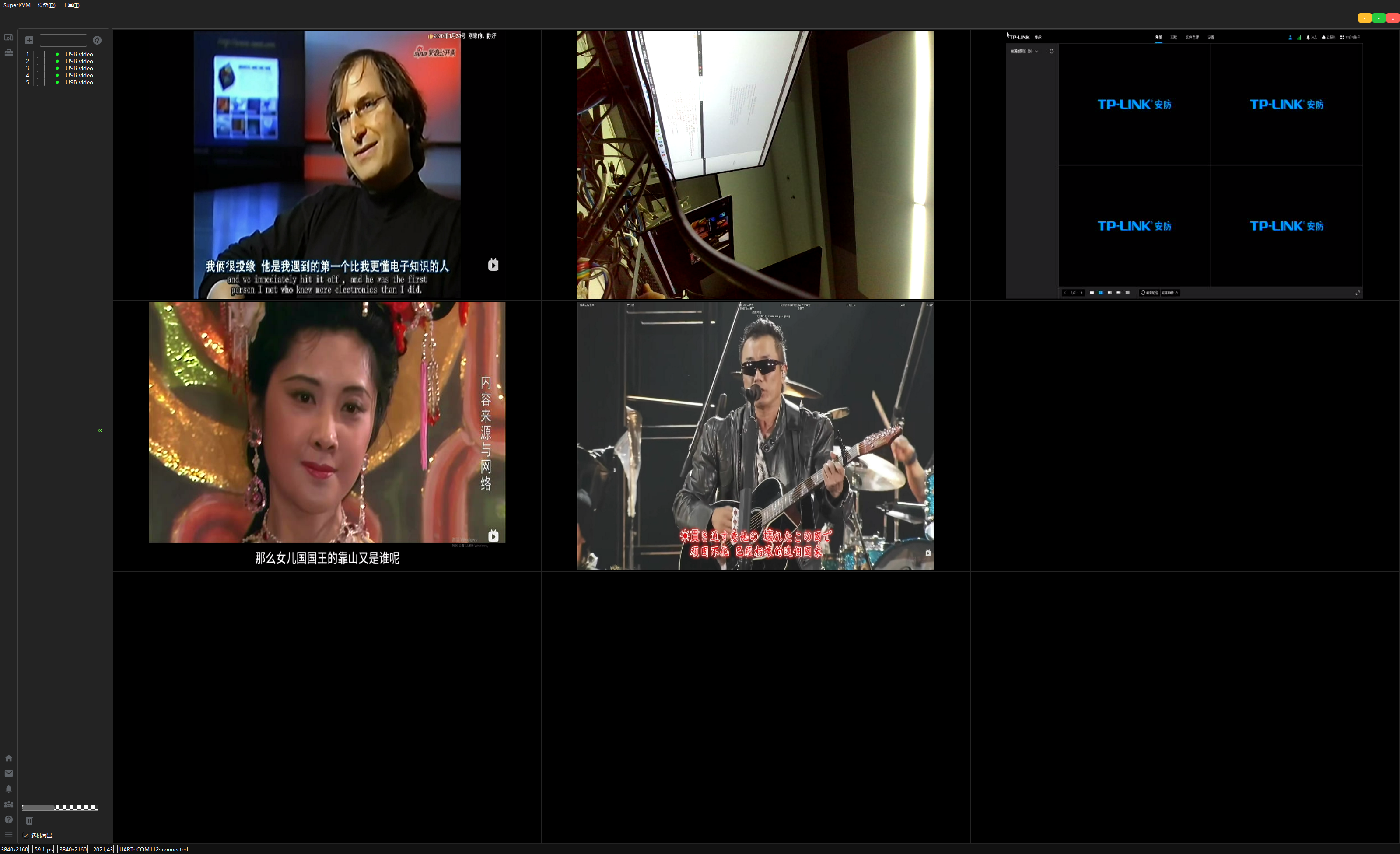
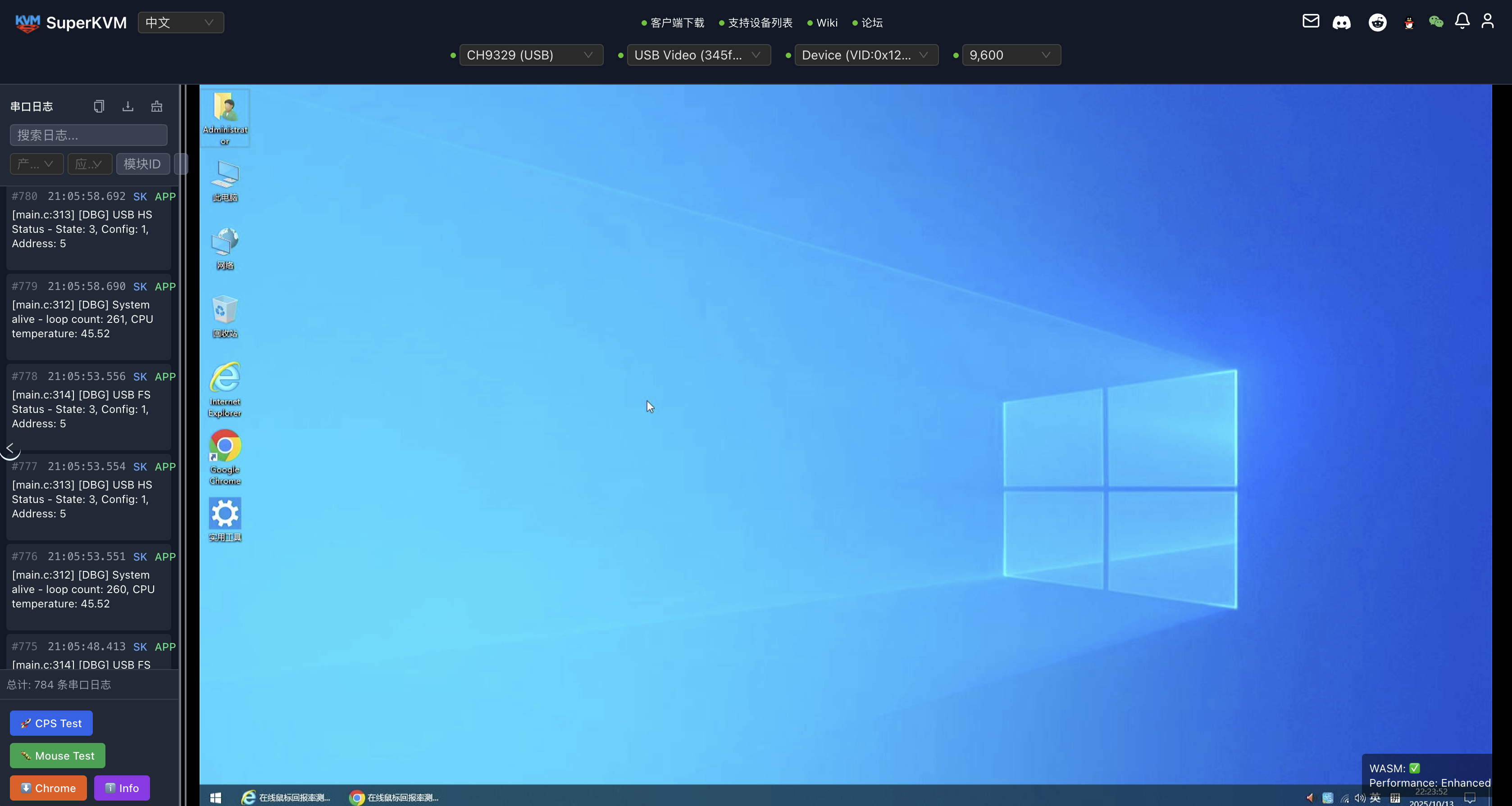
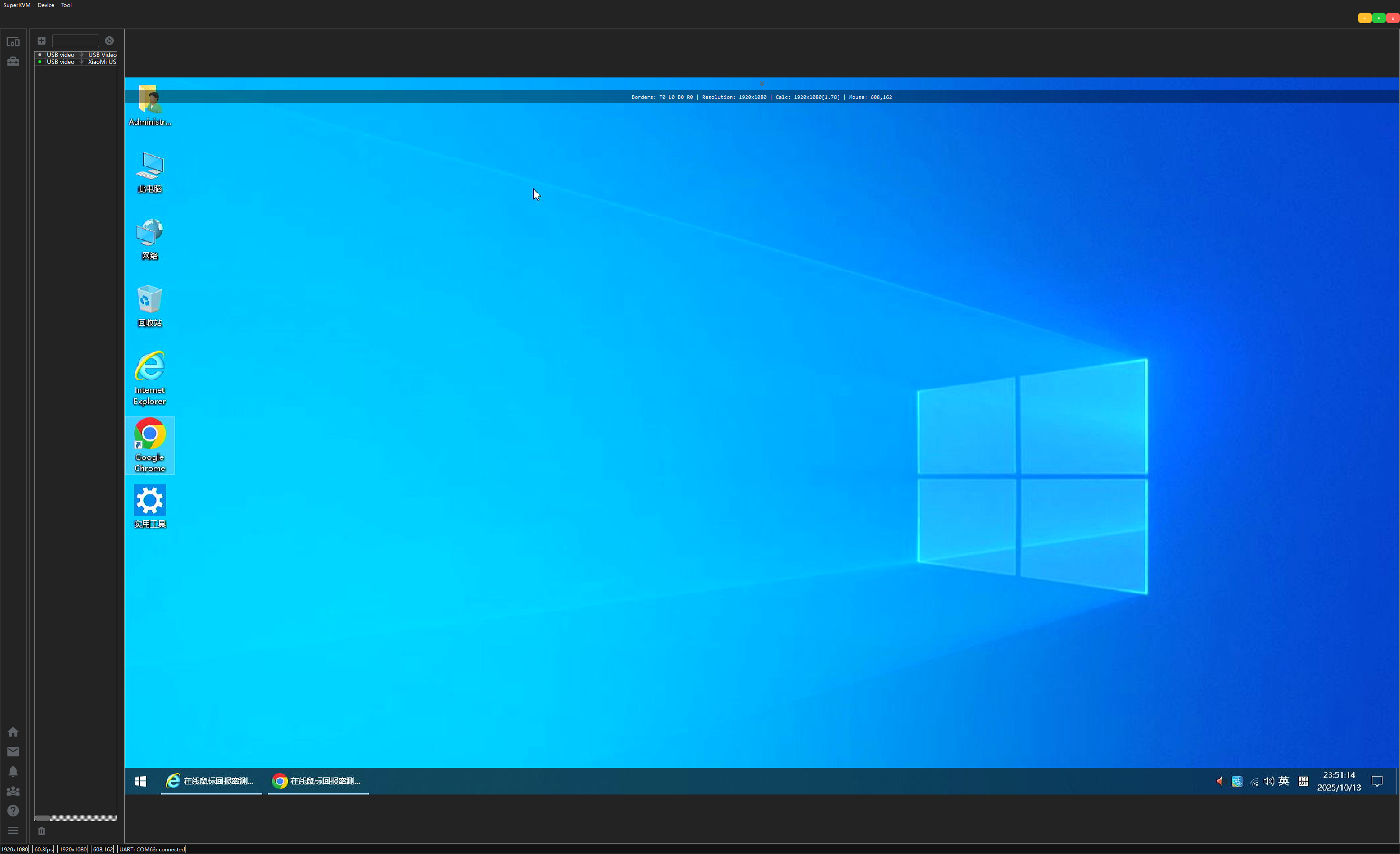
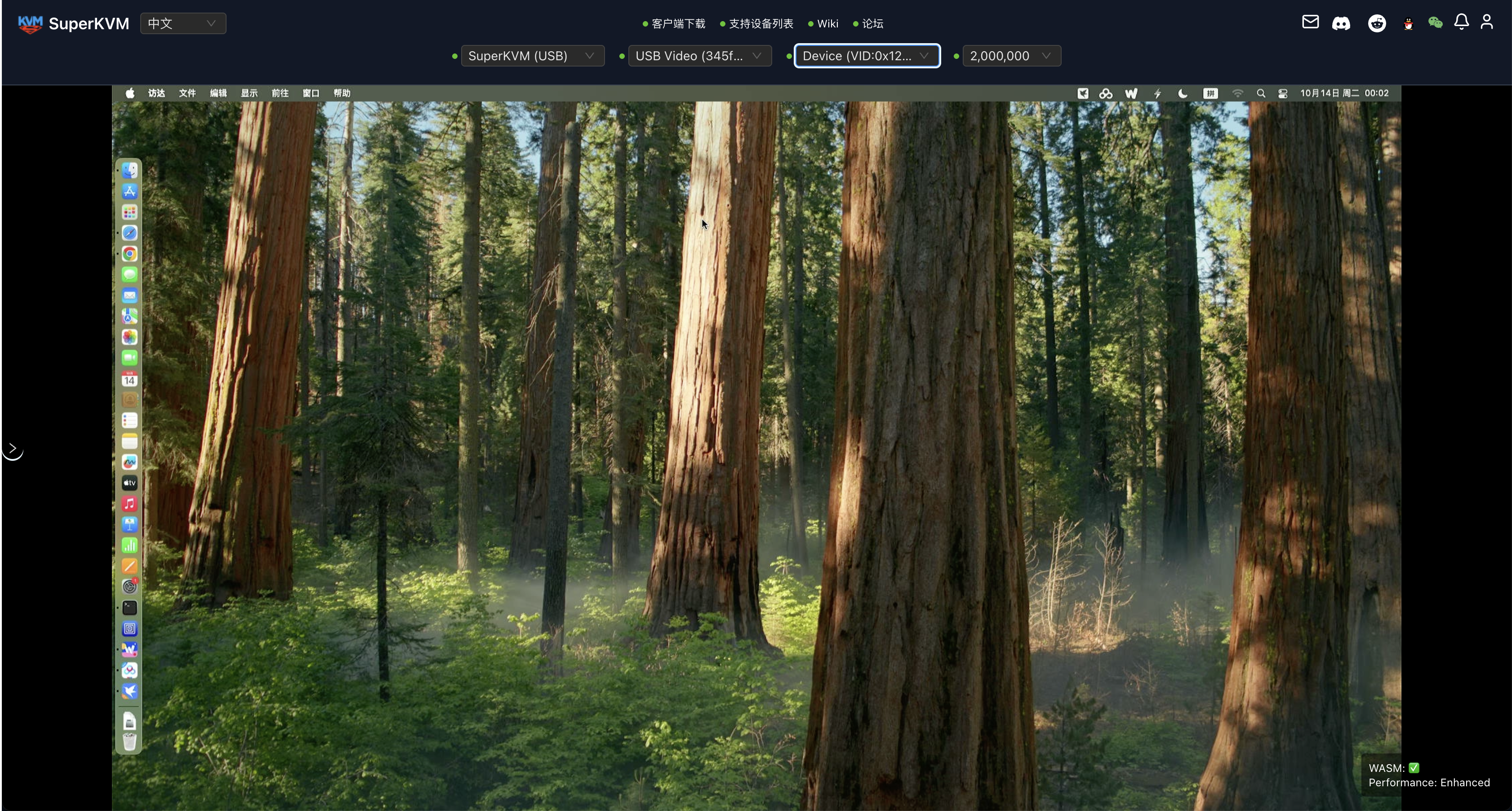
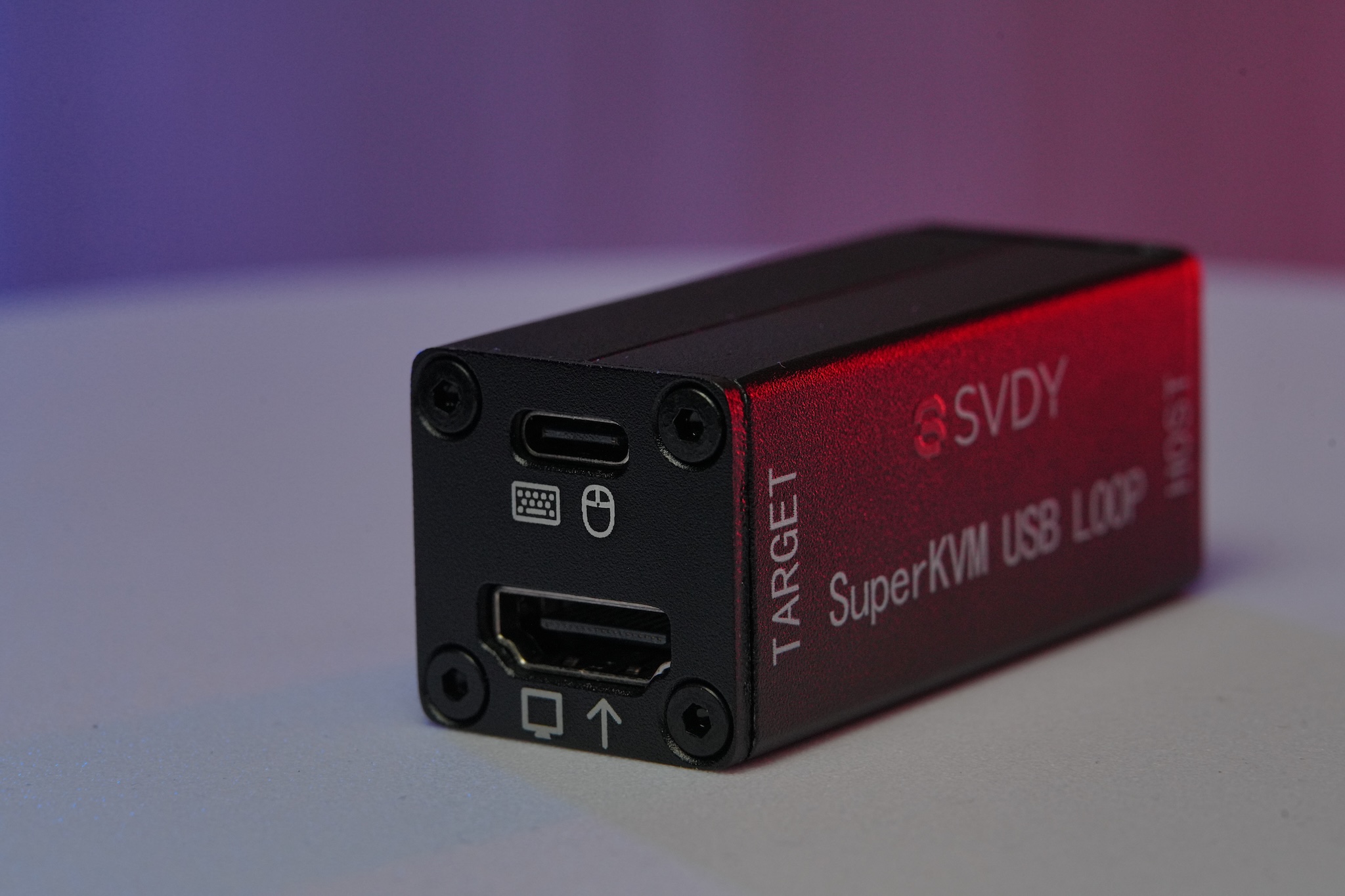
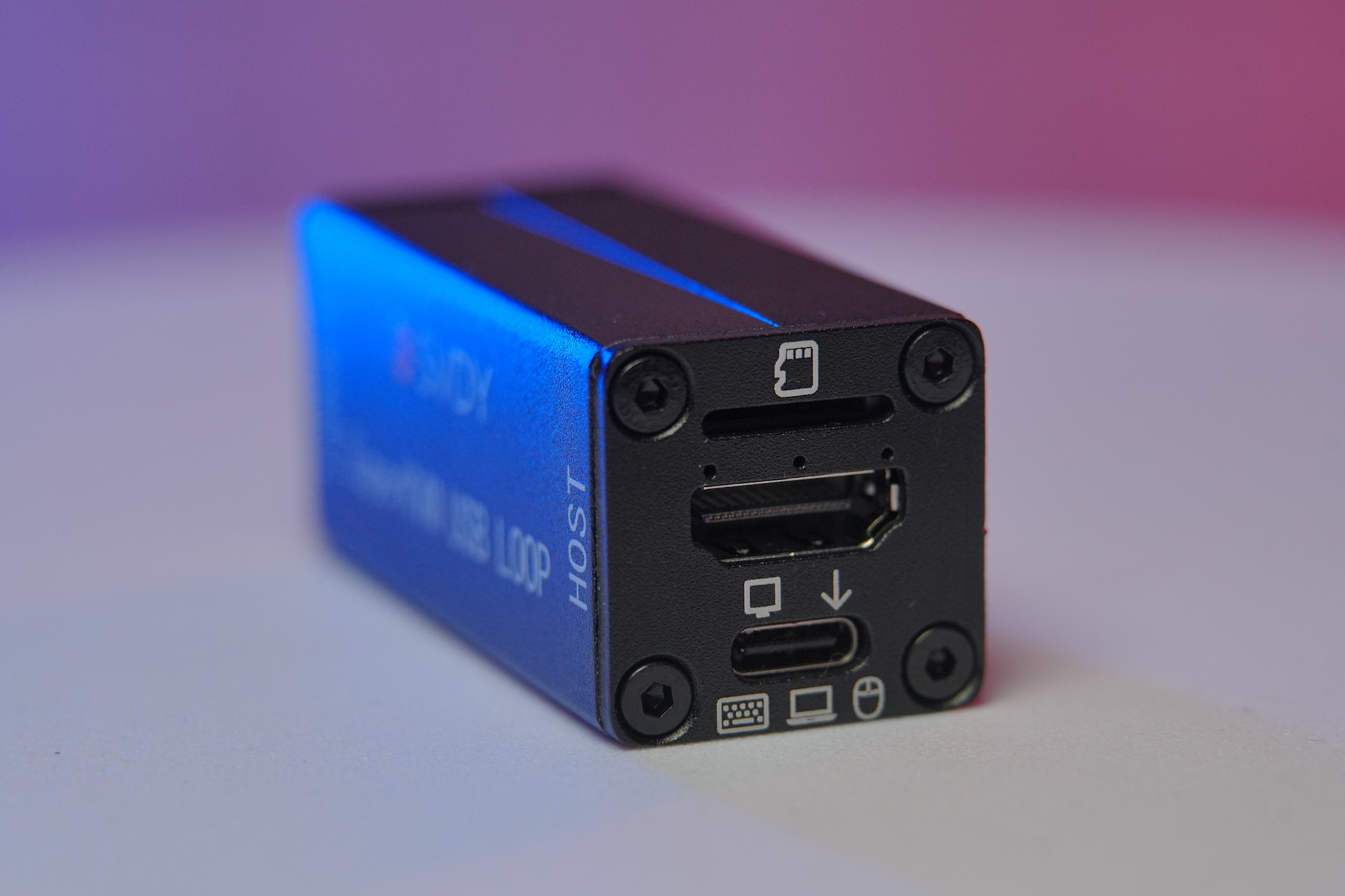
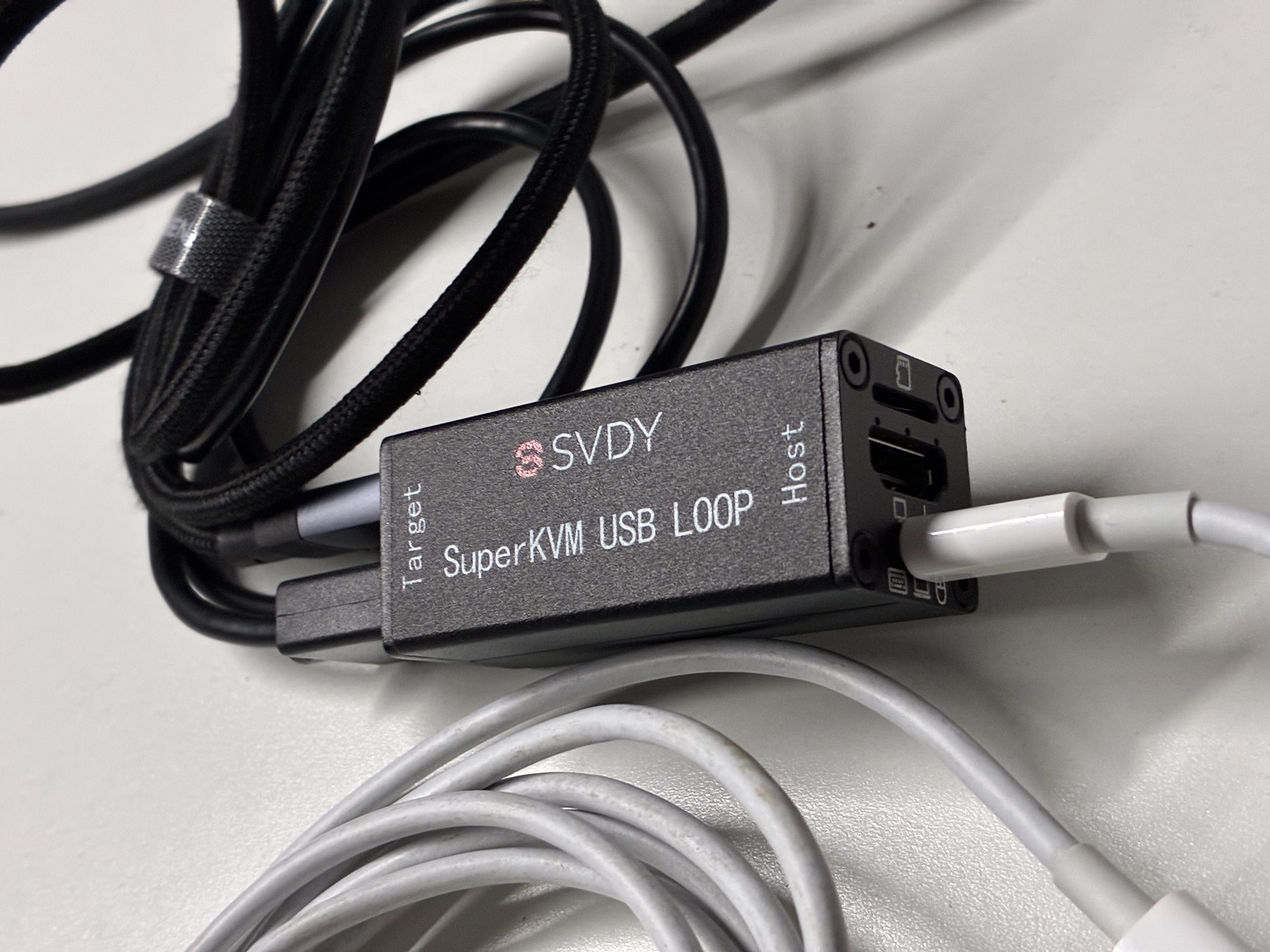
USB KVM solutions overview
SuperKVM is currently the only USB KVM solution built around the industrial-grade STM32F405RG processor. Thanks to its high-temperature resilience in heat-heavy video capture card scenarios, it not only maintains HID mouse report rates above 400 Hz, but also delivers excellent high-temperature stability and software customization. Through continuous optimization and OTA updates, the products you buy keep gaining value over time.
SuperKVM focuses on developing and selling USB KVM and IP KVM for users who need video capture, development and debugging, remote control, and day-to-day operations. Devices support the open CH9329 protocol, web-based USB drive switching, web OTA, power on/off and reboot of the target machine, and a bidirectional clipboard that can transfer UNICODE text, screenshots, and files both ways—greatly improving configuration efficiency. Video inputs include VGA, DP, HDMI, and DP Alt single-cable interfaces to fit all kinds of target devices. Open firmware and STM32-based secondary-development resources are a strong fit for companies and builders who want tailored development.
Learn more: Product, Software, Distributor, OpenDev; read our Privacy Policy for how we handle data in our apps and on this site.
USB KVM FAQ
What is SuperKVM?
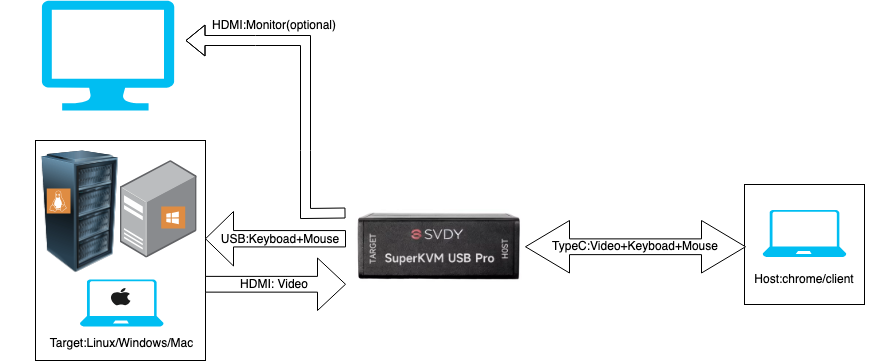
SuperKVM combines video capture with keyboard and mouse HID control, allowing a computer, server, NAS, or embedded target to be operated from another computer, phone, tablet, or browser. The product line includes local USB KVM and network-accessible IP KVM models.
Details: Hardware overview
What can I manage from the SuperKVM WebApp?
On supported USB KVM models, the browser-based WebApp can control the target and switch the U-disk connection direction without repeatedly unplugging USB cables. It also provides Web OTA paths for updating device application and bootloader firmware; always follow the instructions for the exact hardware model.
Details: USB KVM and Web OTA documentation
Can SuperKVM power on, shut down, or restart the target computer?
Yes, when used with a model or expansion board that provides motherboard power and reset connections. This enables remote power-on, forced shutdown, and restart operations for unattended targets. Availability and wiring depend on the selected hardware, so check the model documentation before installation.
What does the bidirectional clipboard transfer?
With the supported expansion hardware and Target Client, the bidirectional clipboard can transfer Unicode text, screenshots, and files between the controlling device and target computer. This reduces repeated typing, manual screenshots, and removable-drive copying during setup and maintenance.
Details: Clipboard expansion documentation
Which target video interfaces can SuperKVM connect to?
The hardware lineup and matching adapters cover HDMI, VGA, DisplayPort (DP), USB-C, and DP Alt Mode one-cable video paths, depending on the model. This provides connection options for desktops, servers, laptops, NAS systems, development boards, and other targets with common video outputs.
Details: Video interfaces and adapters
Can developers customize SuperKVM firmware and hardware behavior?
Yes. SuperKVM publishes open firmware and STM32-based secondary-development resources for teams that need custom HID behavior, VID/PID settings, automation, or product integration. Supported workflows and source availability vary by board and firmware branch.
Does SuperKVM support CH9329 and cross-platform clients?
SuperKVM USB KVM devices are CH9329-compatible and can work with first-party Qt, WebApp, mobile clients, and compatible third-party CH9329 software. Available clients cover Windows, macOS, Linux, Android, and iPad workflows; exact features differ by client and model.
Details: Protocol and client compatibility
See the hardware, software downloads, USB KVM guides, 中文概览, and wiki documentation.
USB KVM & IP KVM product features
Core capabilities of SuperKVM USB KVM and IP KVM solutions
CH9329 Protocol
Open protocol, compatible with all CH9329-based clients
WEB OTA
OTA for app and bootloader; highly reliable and always up-to-date
Multi-OS Compatibility
Works with 3 major OS and multiple CPU architectures, stable wake-up
USB Software Switching
Switch U-disk direction via client
Offline Scripts
Automate simple tasks and scenarios with mouse/keyboard scripts
PC · Phone · Tablet
Besides PC browser, future BLE support for mobile and tablet
Multiple Interfaces
HDMI, USB-C, DP, VGA and more video inputs
High Resolution
HDMI Input Max:
4096×2160@60Hz(YUV420 )
4096×2160@30Hz(YUV444)
USB 3.0 Output Max:
4096 x 2160@60Hz(MJPEG)
3840 x 2160@30Hz(YUV420)
Product Videos
Introduction to SuperKVM product features and use cases
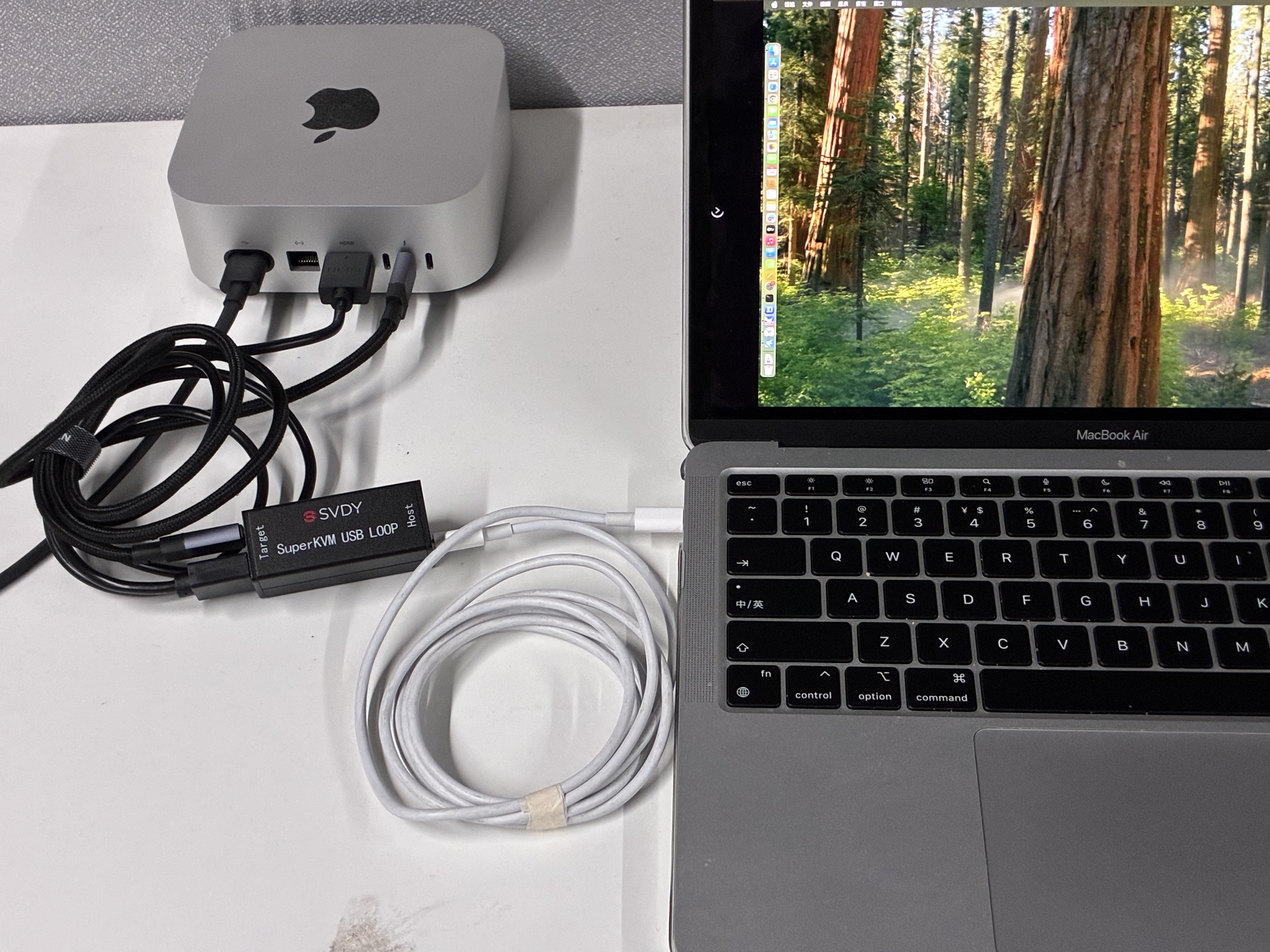
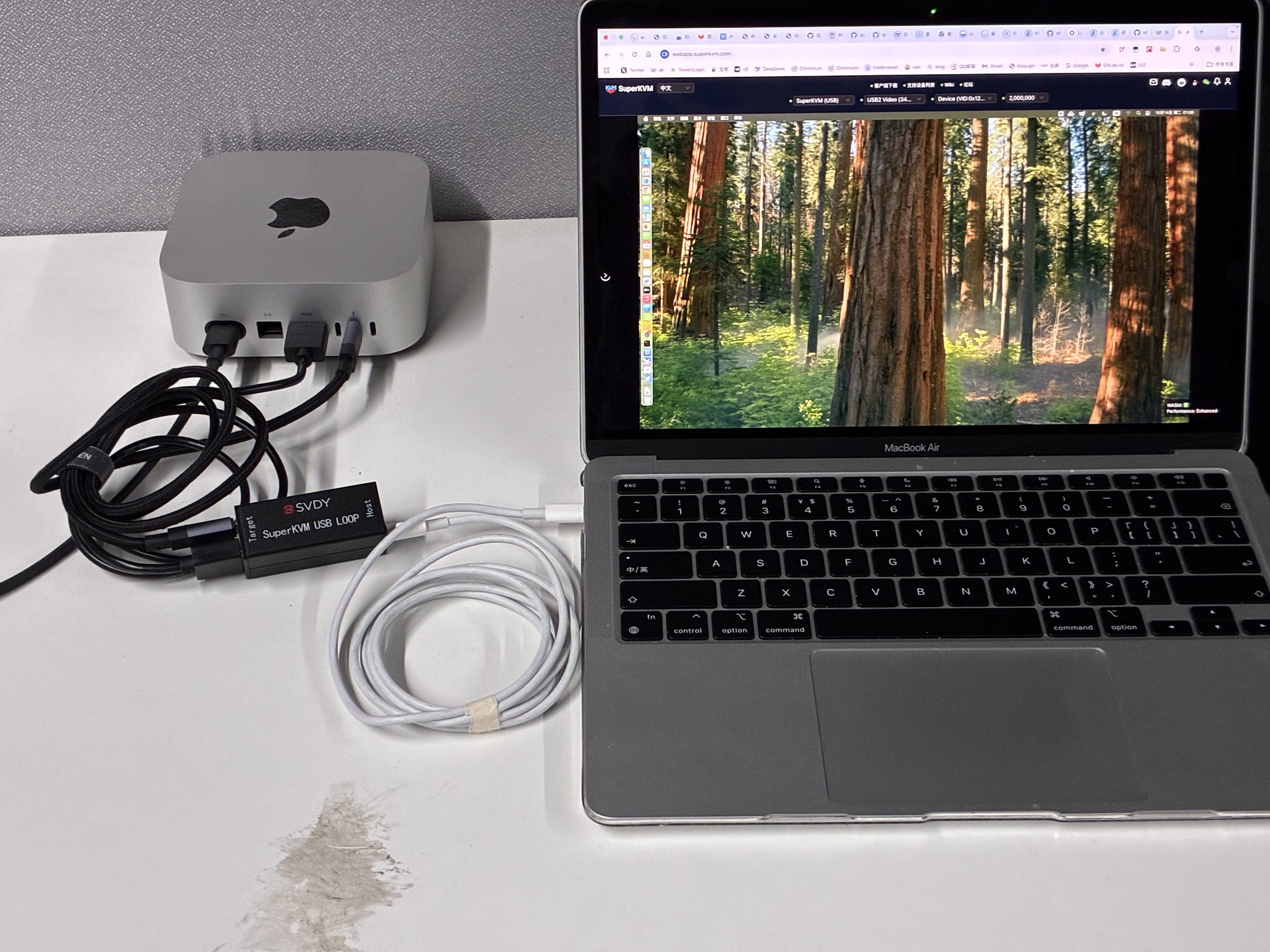
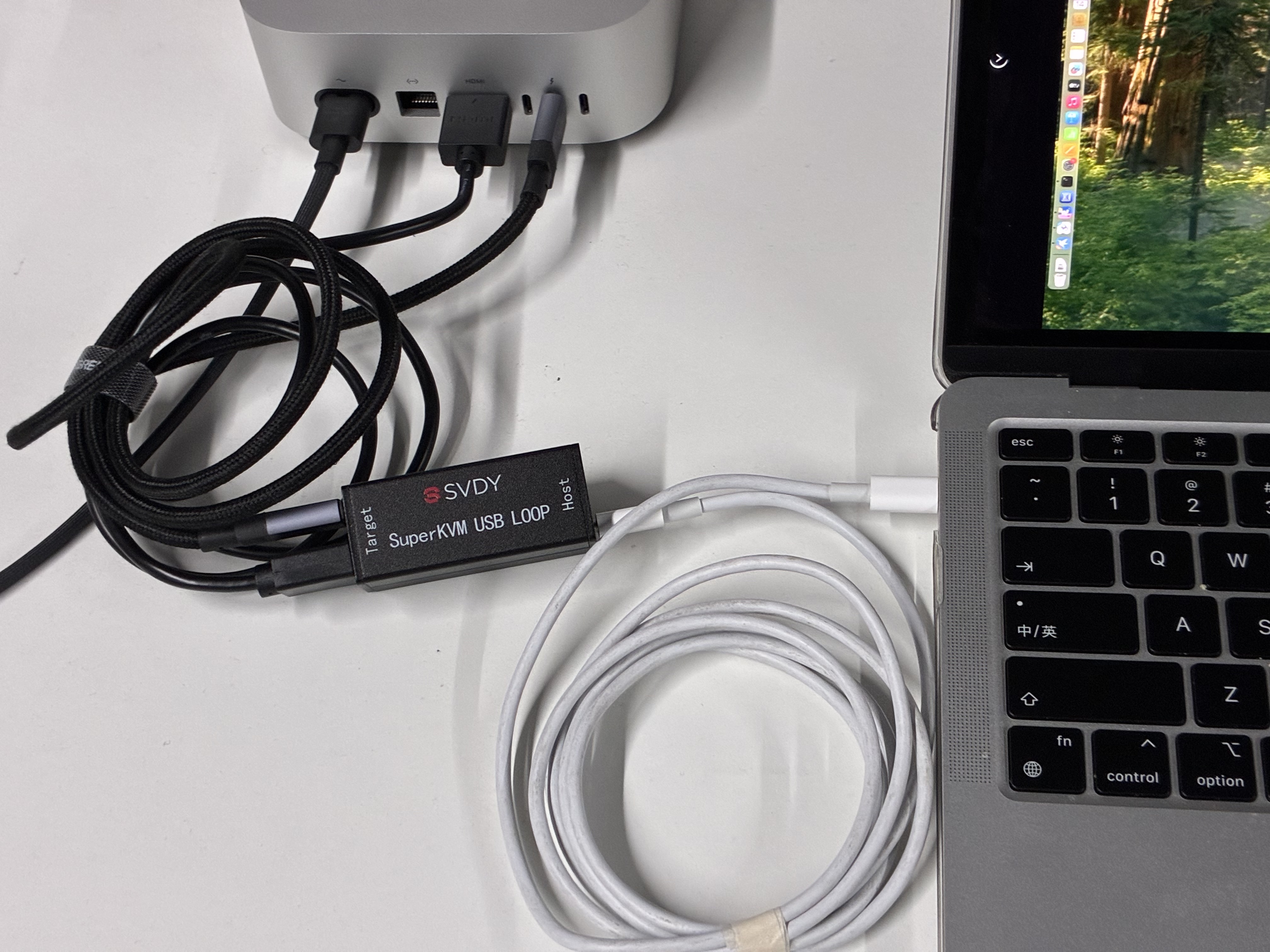
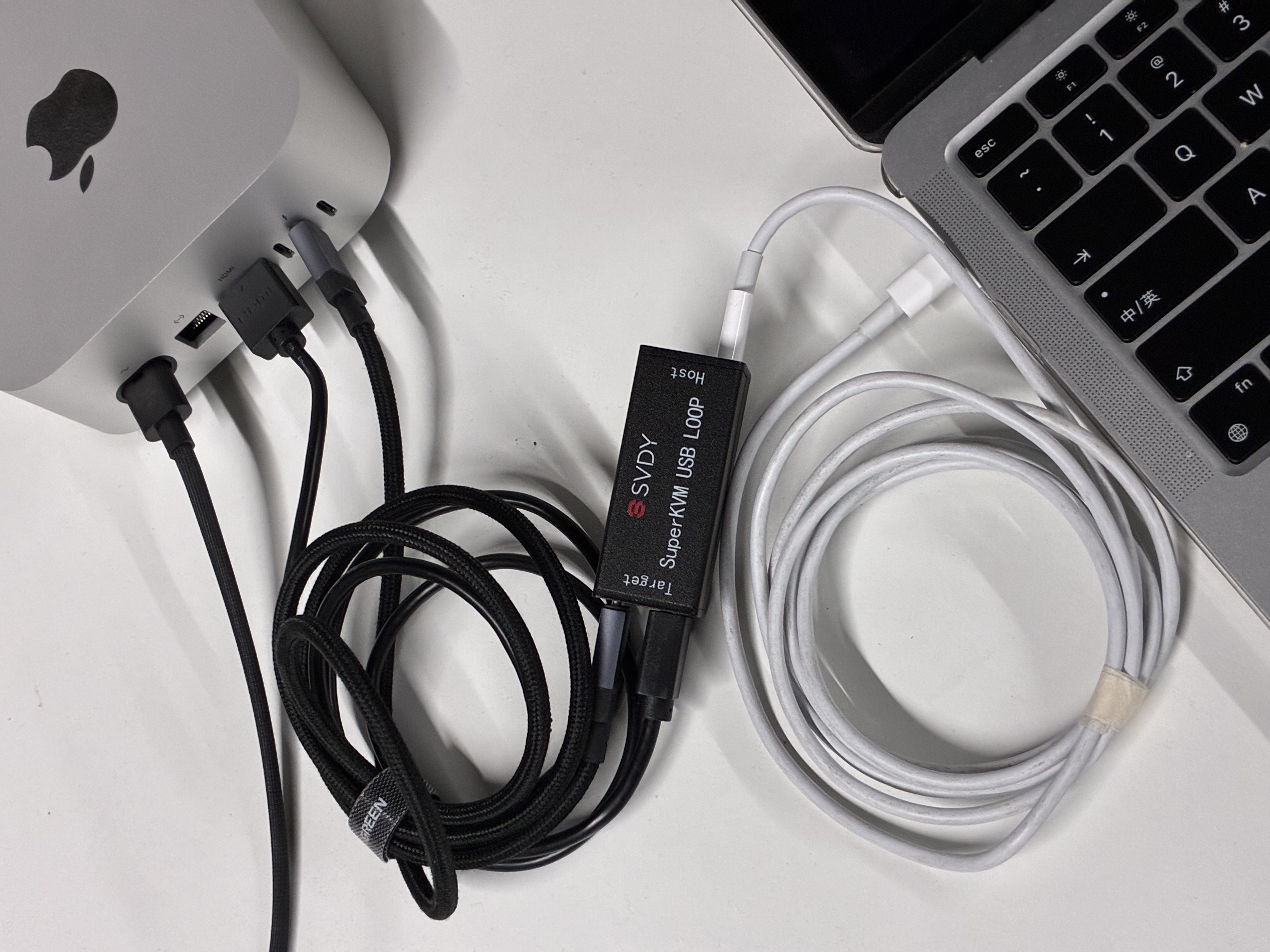
USB KVM product gallery
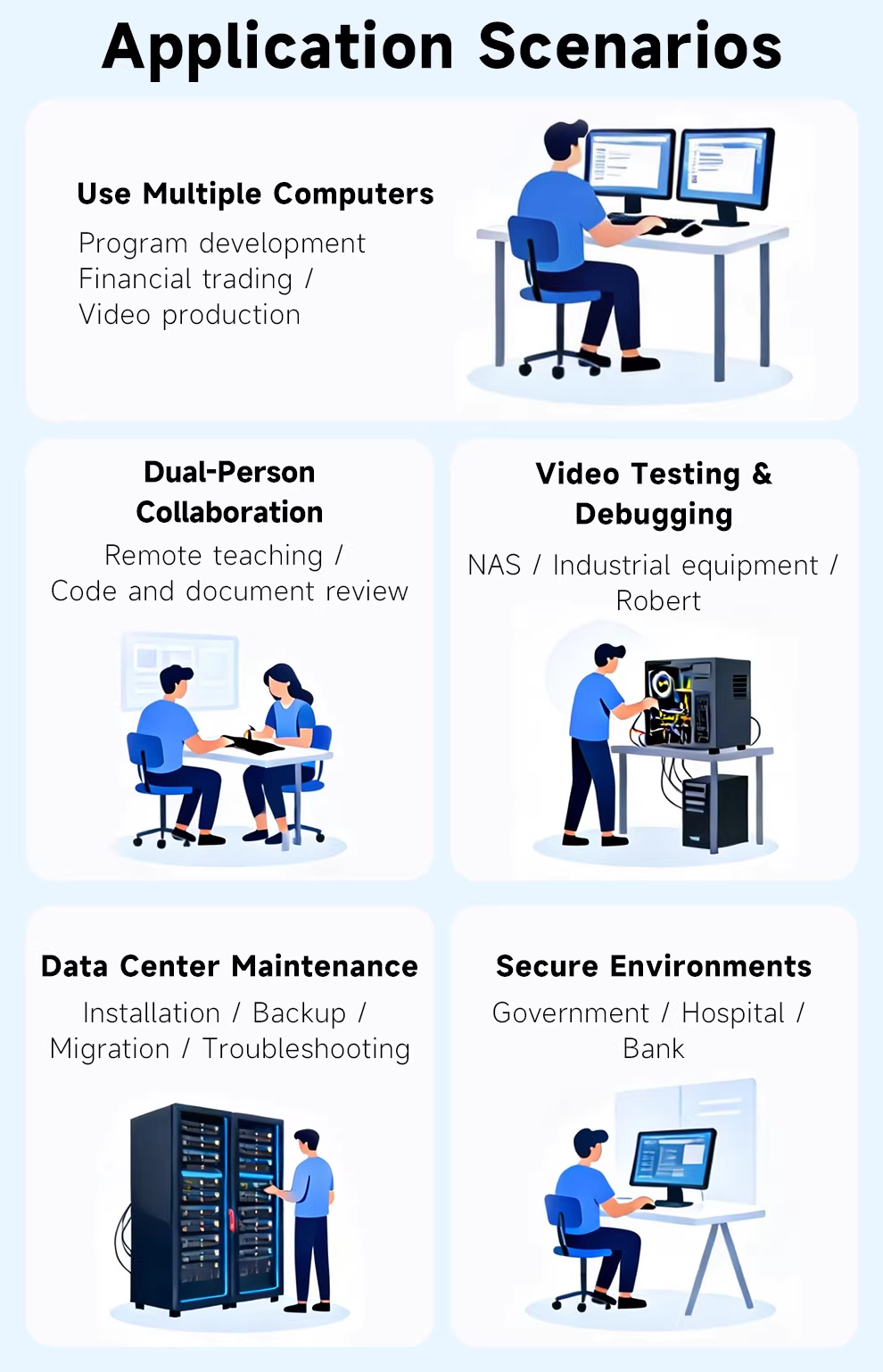
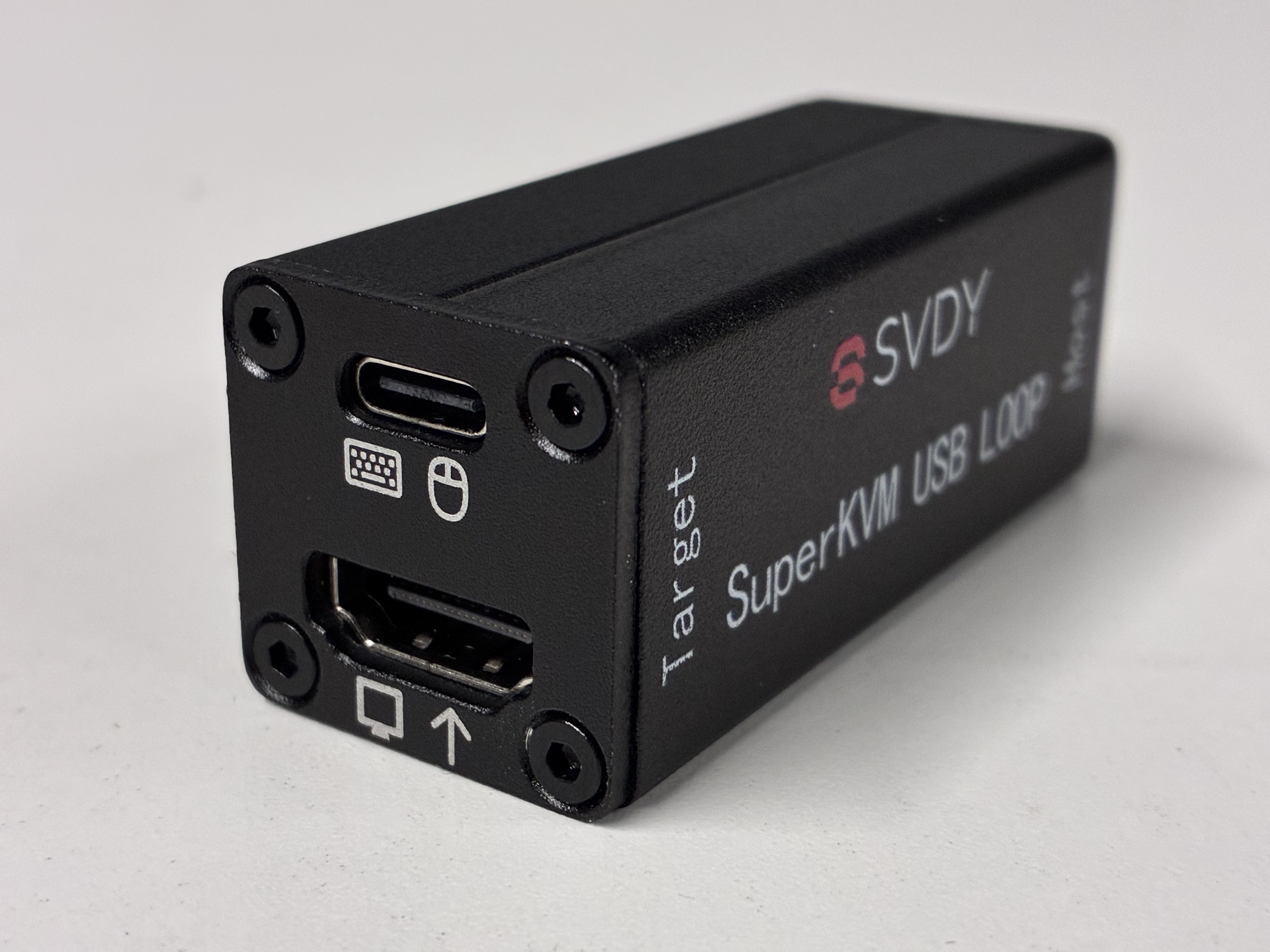
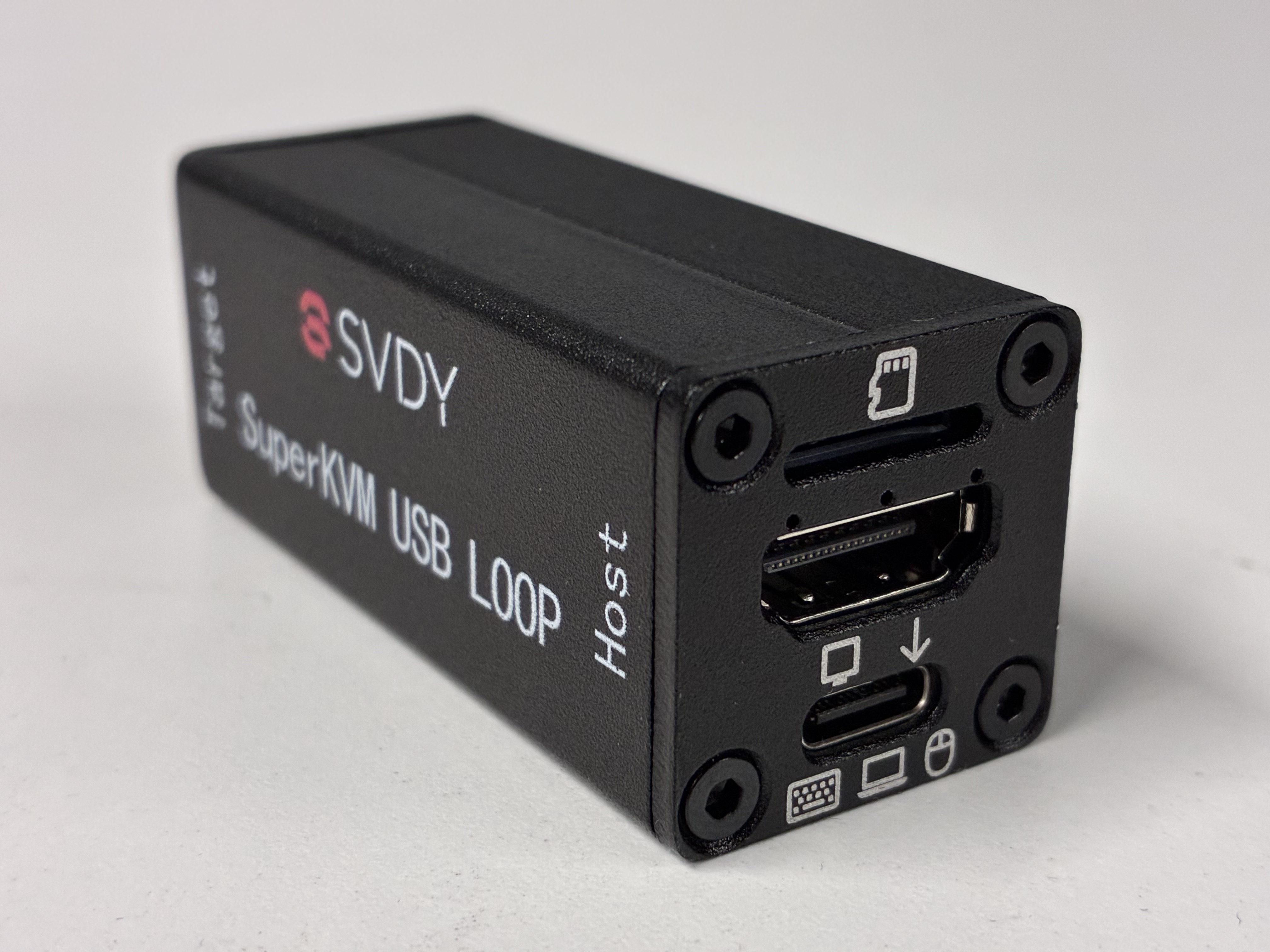
Connection diagrams, usage scenarios, and hardware reference images.